
Your professional foundation
Maintain basic information, contact details, photo and present and permanent addresses.

Give your career story a home. Build a structured professional profile, discover vacancies and keep your applications and conversations within reach.
Already registered? Sign in to TalentHub →
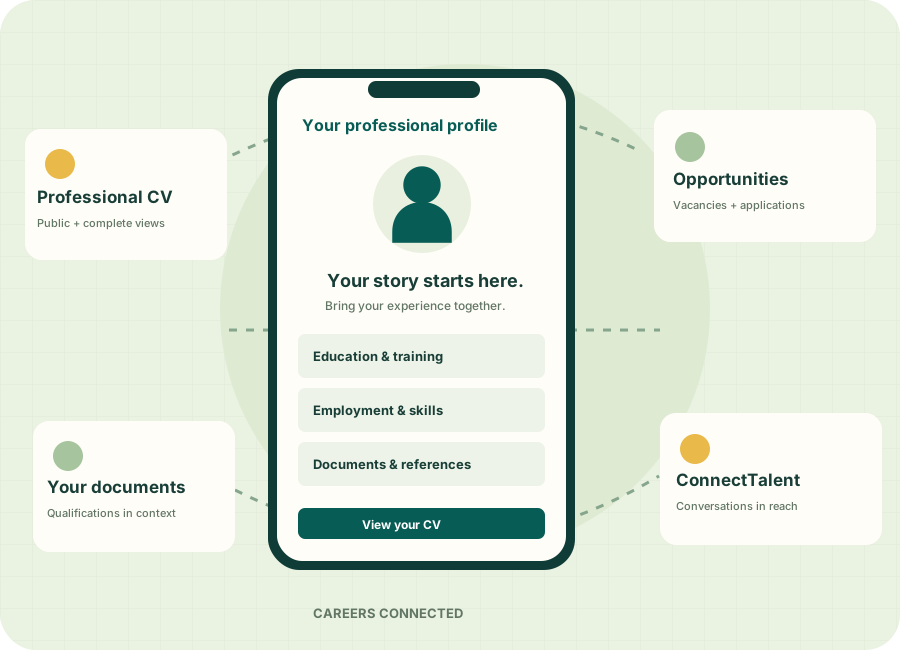
Organize your background in sections you can maintain as your career grows.
Maintain basic information, contact details, photo and present and permanent addresses.
Record your academic background, training and professional development with supporting attachments.
Describe employment history, skills, languages and the experience you bring to a role.
Keep certificates and other supported profile documents connected to the relevant records.
Review the CV view appropriate to your purpose and use the available PDF download, sharing or print tools.
Manage job alerts and employer preferences through the candidate settings provided by TalentHub.
Each vacancy brings together the role’s requirements, employer information, deadline and application instructions.
Application steps depend on the vacancy’s selected channel and settings.
Find an opportunity ↗Example employer · Example role
Review application records, employer details and saved application CVs. Eligible online applications allow CV updates while the vacancy remains open and within its deadline.
Keep candidate and recruiter conversations together and return to relevant discussions from notifications.
Use candidate profile, CV, vacancy and conversation tools across the TalentHub web and mobile experience.
Build your profile, explore opportunities, manage your CV and stay connected through TalentHub on Android.

Open your Android phone’s camera and scan this QR code to visit Google Play.
Install from Google Play ↗Already on your phone? Tap the button to open the app listing.Eligible online applications support an update from your current profile while the vacancy is open and within its deadline. Closed, expired or withdrawn applications cannot be updated.
No. A vacancy may use TalentHub online applications, an external recruitment portal, or instructions such as email or a walk-in interview. Follow the channel shown on that vacancy.
TalentHub includes saved application CV snapshots and a candidate download workflow. Your submitted application CV is distinct from the latest version of your profile.
Contact support@empulsehris.com for help, or use the EMPulse contact section to discuss TalentHub access.
Build your professional profile and explore the vacancies published on TalentHub.