
Company setup
Maintain your organization’s profile and company information in the recruiter workspace.

Give your recruitment team a shared structure for vacancies, applicant review, assessments and candidate conversations, across web and mobile.
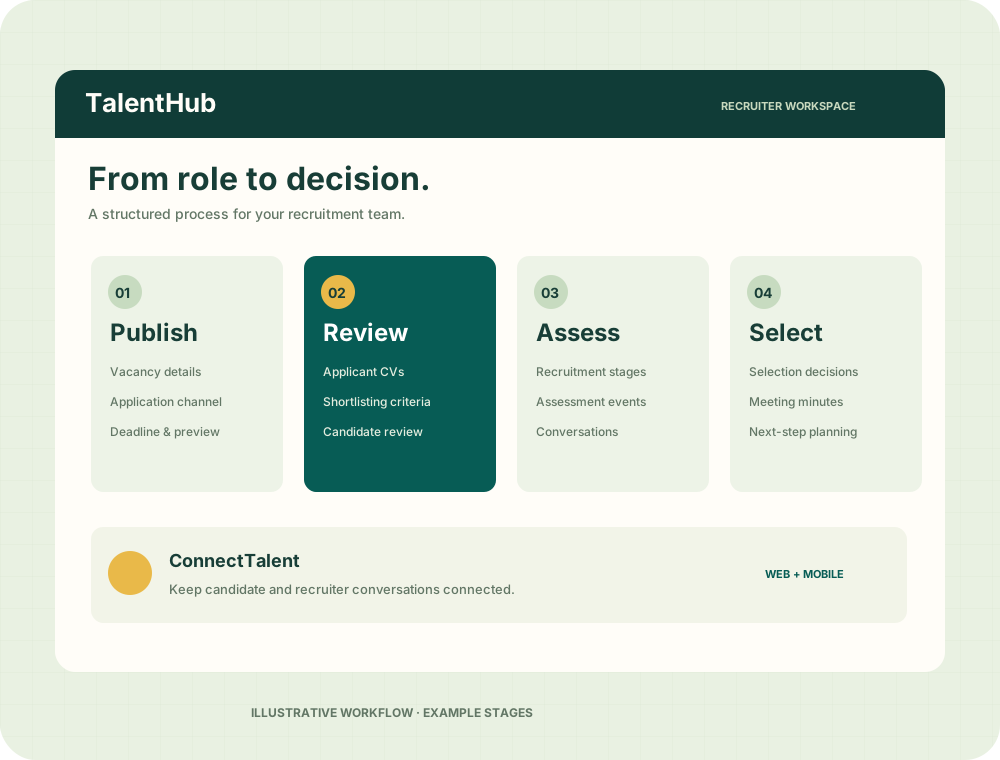
Use TalentHub’s recruitment tools to give each hiring activity a clear place.
Maintain your organization’s profile and company information in the recruiter workspace.
Prepare, preview and publish vacancies with requirements, screening questions, deadlines and application channels.
Configure vacancy-specific shortlisting criteria and review applicant information against your requirements.
Manage applicants, recruitment stages, assessment events and selection decisions within the recruitment workspace.
Record recruitment meeting minutes and use communication tools to coordinate with candidates.
Mobile recruiter tools include company setup, vacancies, applicants, stages, assessments and candidate CV access.
Select a stage for a guided explanation. This is an illustrative product walkthrough.
Prepare a vacancy with role requirements, screening questions, a deadline and an application channel. Preview it before publishing.
ConnectTalent provides conversations between candidates and recruiters, supported by read history and notification workflows. Recruitment communications and meeting minutes help your team keep the process organized.
Explore the TalentHub platform →TalentHub includes onboarding foundations and field mapping for an approved candidate-to-HRIS handover. Discuss your required approval process, employee records and implementation with the EMPulse team.
Platform administration also includes recruiter approval and organization, user and vacancy moderation tools.
Talk about your implementationCandidate profile · Application CV
Assessments · Selection decision
Employee record · HR workflows
Attendance · Leave · Payroll
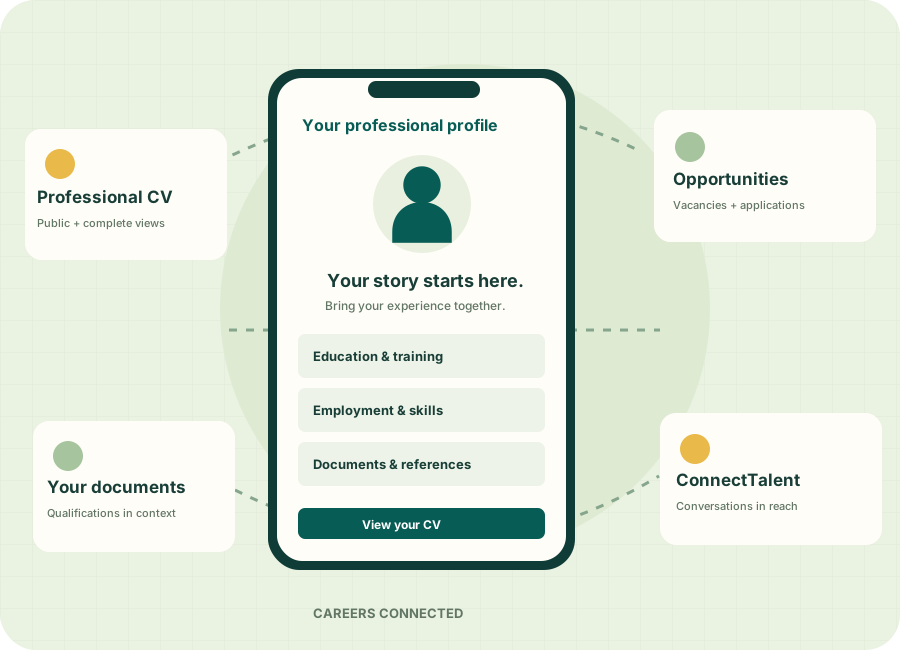
Take TalentHub with you. Stay connected to your recruitment journey and candidate conversations through the Android app.

Open your Android phone’s camera and scan this QR code to visit Google Play.
Install from Google Play ↗Already on your phone? Tap the button to open the app listing.Yes. TalentHub supports online applications, an external recruitment portal and other application instructions. The vacancy configuration determines the applicant journey.
Shortlisting criteria support your review process. Recruitment teams still assess candidates and record selection decisions.
An approved hire handover requires integration configuration for your implementation. TalentHub includes onboarding foundations and candidate-to-HRIS mapping; discuss the specific workflow with the EMPulse team.
Contact the EMPulse team to discuss company setup and recruiter access. Existing recruiters can use the sign-in link above.
Tell us how your team hires. We’ll discuss where TalentHub fits your workflow.